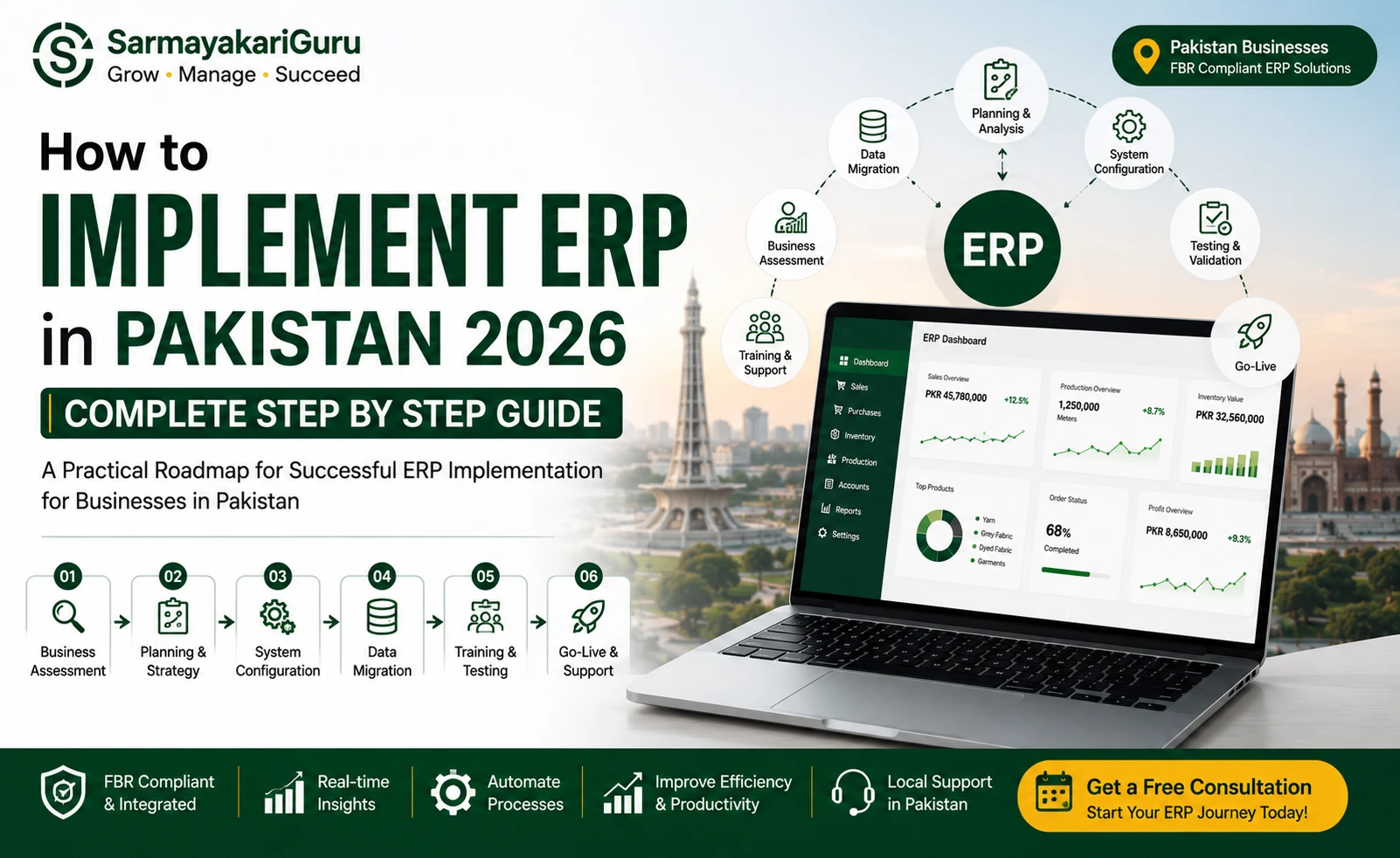

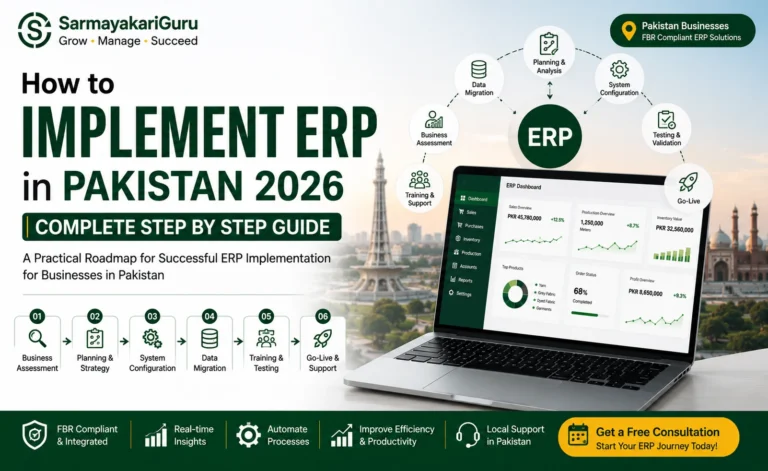
ERP implementation is one of the most significant operational decisions a Pakistani business makes. Done right, it transforms how your business runs — eliminating manual reconciliation, giving you real-time visibility, and making FBR compliance automatic. Done wrong, it becomes an expensive, demoralizing project that drags on for months and delivers half of what was promised.
The difference between successful and failed ERP implementations in Pakistan comes down almost entirely to process — not budget or software selection. Businesses that follow a structured approach go live on time. Those that rush the process or skip critical steps pay for it later.
This guide gives you the honest, step-by-step process for implementing ERP in Pakistan — based on what actually works for Pakistani businesses, not theoretical best practices written for international markets.
Before You Start — The Questions That Determine Everything
The most common ERP implementation mistake in Pakistan is starting with software selection before understanding what the business actually needs. Before you evaluate a single vendor, you need clear answers to three questions.
What specific problems are you solving? “We need ERP” is not an answer. “Our inventory never matches our accounting records and we spend three days every month reconciling them manually” is an answer. “We cannot track production costs per batch in our factory” is an answer. The more specifically you can describe the pain, the more accurately you can evaluate whether any given ERP solution addresses it.
What does your business actually need to track? A retail business needs POS, multi-branch inventory, and FBR receipts. A manufacturer needs BOM, production planning, and quality control. An e-commerce seller needs Daraz and Shopify integration with COD tracking. Different businesses need fundamentally different ERP configurations — and the right system for one is wrong for another. Our ERP solutions page covers the different configurations available for Pakistani business types.
What is your realistic budget — including everything? Software subscription is one line item. Implementation, data migration, training, and the first three months of running issues are the rest. A realistic total-cost budget for a Pakistani SME ERP implementation is typically two to three times the annual software subscription cost. Know this before you start negotiating with vendors.
Step 1 — Map Your Current Business Processes
Before any software enters the picture, document how your business actually operates today. Walk through every department and record what happens, who does it, what data is used, and where the pain points are.
In your inventory department: how does stock come in, how is it recorded, how are dispatches processed, and where do discrepancies typically occur? In your accounting: what is the manual reconciliation process at month end, how long does it take, and what errors happen most frequently? In HR and payroll: how are salaries calculated, where do EOBI and tax deductions get computed, and how are payslips generated?
This process mapping serves two purposes. First, it gives you a clear picture of what your ERP needs to replace and improve. Second, it gives ERP vendors specific scenarios to demonstrate against during demos — instead of watching a generic product tour, you can ask them to show you exactly how their system handles your specific inventory receiving process or your specific payroll calculation.
Document these processes simply — a basic flowchart or even a written description works. You do not need expensive process mapping software. You need clarity.
Step 2 — Define Your Requirements List
From your process mapping, create a requirements list — every function your ERP must perform. Separate them into three categories.
Must-have requirements are the non-negotiables. If the ERP cannot do these, it is not the right system regardless of other features. For Pakistani businesses, FBR compliance — including digital invoicing with IRN and QR code generation — is typically a must-have. EOBI-compliant payroll is a must-have. Your specific inventory unit of measure (meters for textile, units for retail, kilograms for food processing) is a must-have.
Nice-to-have requirements are features that would add value but are not critical at launch. Advanced analytics dashboards, customer loyalty program management, or integration with a specific third-party logistics provider might fall here — useful, but not blocking.
Future requirements are things you do not need today but will need as the business grows. Noting these ensures you choose a system that can scale without requiring a complete replacement in two years.
Share this requirements list with every vendor you evaluate — and ask them to confirm in writing which requirements their system meets out of the box versus which require customization.
Step 3 — Evaluate and Select Your ERP Vendor
With your requirements list in hand, you can evaluate vendors intelligently rather than being sold to.
In Pakistan, your ERP options broadly fall into three categories. Pakistan-built cloud ERP systems — like SarmayakariGuru ERP — include FBR compliance, EOBI payroll, and local business workflows as standard features. They are priced in PKR, have local support teams, and typically go live in two to six weeks. International systems like SAP, Oracle, and Odoo require significant customization for Pakistan’s tax environment, are priced in USD, and typically take six to eighteen months to implement.
For most Pakistani SMEs, Pakistan-built cloud ERP delivers better value. For large enterprises with complex international operations and dedicated IT teams, international systems may be appropriate. Our article on best ERP software in Pakistan covers this comparison in detail.
When evaluating vendors, insist on a demo that uses your actual business scenario — your products, your tax setup, your payroll structure. A vendor who cannot demonstrate their system handling your specific situation is unlikely to deliver it in implementation. Ask for references from Pakistani businesses in your industry and actually call them.
Get everything in writing before signing — scope of implementation, what is included in the quoted price, timeline, data migration approach, and support terms after go-live.
Step 4 — Plan Your Data Migration
Data migration is where ERP implementations most commonly go wrong in Pakistan. The assumption that “the vendor will handle it” without active involvement from your team leads to data quality problems that take months to clean up after go-live.
Start by auditing your existing data. Your customer database — how many records are there, how clean are they, are there duplicates? Your product catalogue — how many SKUs, are all prices current, are units of measure consistent? Your inventory — when was it last physically counted, does it match your existing records? Your accounts receivable — which customer balances are current versus uncollectable?
Clean your data before migration, not after. Moving dirty data into a new ERP gives you a new system with old problems. Remove duplicate customers, standardize product names and codes, write off uncollectable receivables, and count physical inventory to establish accurate opening balances.
Define your migration cutoff date — the date from which all transactions will be in the new system. All transactions before this date become opening balances in the ERP. For most Pakistani businesses, migrating historical transaction detail is not worth the effort — opening balances are sufficient.
Test the migrated data thoroughly before go-live. Check that customer balances in the ERP match your manual records. Verify inventory opening balances against your physical count. Confirm that your chart of accounts opening balances reconcile with your last set of financial statements.
Step 5 — Configure the System for Pakistan’s Requirements
System configuration is where Pakistan-specific requirements must be verified — not assumed. Work through each configuration area with your implementation team.
FBR tax configuration must be verified with a test invoice. Generate a test sale invoice and confirm that the correct tax rate is applied, the invoice format includes NTN and STRN, and — if your business is required to use FBR’s e-invoicing system — that the IRN is generated and the QR code is present. Check FBR’s current e-invoicing requirements at fbr.gov.pk to ensure your configuration is current.
Payroll configuration must be verified with a test payroll run. Use a sample employee with a known salary and manually verify that EOBI, PESSI, and income tax deductions are calculated correctly per Pakistan Labour Law and the current FBR salary tax slabs. Verify your staff’s ATL status at atl.fbr.gov.pk — it affects their withholding tax calculation.
Chart of accounts should be reviewed by your accountant to ensure it matches the structure needed for your financial reporting and FBR return preparation.
User access controls must be set up before go-live — not as an afterthought. Define who can see what data, who can approve what transactions, and who has administrator access. In Pakistan’s business environment where separation of duties is often informal, ERP implementation is a good opportunity to formalize controls.
Step 6 — Train Your Team
Training is consistently underestimated in Pakistani ERP implementations — and consistently cited as the reason implementations struggle after go-live.
Different roles need different training. Your cashiers and sales staff need POS and order entry training. Your warehouse staff needs stock receiving, dispatch, and inventory adjustment training. Your accounts team needs invoice verification, payment processing, and bank reconciliation training. Your HR team needs payroll processing training. Your management needs dashboard and report interpretation training.
Training should happen on your actual system with your actual data — not on a demo system with sample data. The muscle memory of going through a real transaction in the real system is what sticks.
Allow time for practice before go-live. A minimum of one week of supervised practice — where staff can make mistakes without affecting live data — is essential. During this period, run parallel operations: keep your old system running alongside the new one and verify that both produce the same results.
Step 7 — Go Live Carefully
Go-live day is not the end of implementation — it is the beginning of the most critical phase.
Choose your go-live date deliberately. Avoid month-end, FBR deadline periods (around the 18th of the month), and peak business periods. A mid-month go-live gives your team two weeks of relatively normal operations before the first month-end close in the new system.
Have your implementation team on standby — either on-site or immediately reachable via WhatsApp — for the first week of live operation. Issues will arise, and response time determines whether they cause a few hours of disruption or a few days.
Run parallel processing for the first month. Keep your old system running and reconcile key figures — total sales, total purchases, cash position — between old and new at the end of each day. This parallel running catches data entry errors and configuration issues before they compound.
For the first month-end close in the new system, have your accountant work through it with your implementation team. The first month-end reveals any configuration gaps that did not show up during testing.
Step 8 — Stabilize and Optimize
The three months after go-live are when your ERP implementation either locks in its value or starts to fade. Most businesses underinvest in this phase and then wonder why adoption is slipping.
Address issues quickly. Every problem that persists after go-live erodes confidence in the system — and confidence drives adoption. Have a clear channel for staff to report issues and a clear process for resolving them.
Measure the right things. After three months, you should be able to see concrete improvements — time spent on month-end reconciliation, inventory discrepancy rate, FBR filing preparation time. If you cannot measure improvement, you cannot manage it.
Add modules gradually. Once your core modules are stable and your team is comfortable, add the next layer of functionality — more sophisticated reporting, additional integrations, or modules you deferred from the initial implementation. Our SME ERP page shows how our modular approach lets Pakistani businesses start with what they need and add more as they grow.
Build on the clean data foundation. Your accounting is now clean, your inventory is accurate, and your FBR compliance is automatic. This is the foundation for better business decisions — use it. If you need professional support with the accounting and tax filing side alongside your ERP, our accounting and taxation services integrate directly with your ERP data.
Common ERP Implementation Mistakes in Pakistan
Pakistani businesses make the same ERP implementation mistakes repeatedly. Knowing them in advance is the most efficient way to avoid them.
Starting with vendor selection before requirements definition leads to being sold features you do not need while missing the ones you do. Always define what you need before evaluating what vendors offer.
Underestimating data migration effort is the most common cause of go-live delays in Pakistan. Dirty data from years of Excel and informal record-keeping takes longer to clean than most businesses expect. Start the data audit the moment you select a vendor.
Skipping parallel running feels like it saves time but costs more when errors compound in live data. Run parallel for at least one month-end.
Choosing based on price alone. The cheapest ERP that does not handle FBR digital invoicing or EOBI payroll correctly is not cheap — it creates compliance problems that cost more to fix than the original savings. Our ERP software price guide explains what Pakistani businesses should realistically budget.
Not involving end users in the selection process. The people who will use the system daily — cashiers, warehouse staff, production supervisors — have the most accurate view of what the system needs to do. Their input in the requirements definition and their participation in testing dramatically improves go-live success rates.