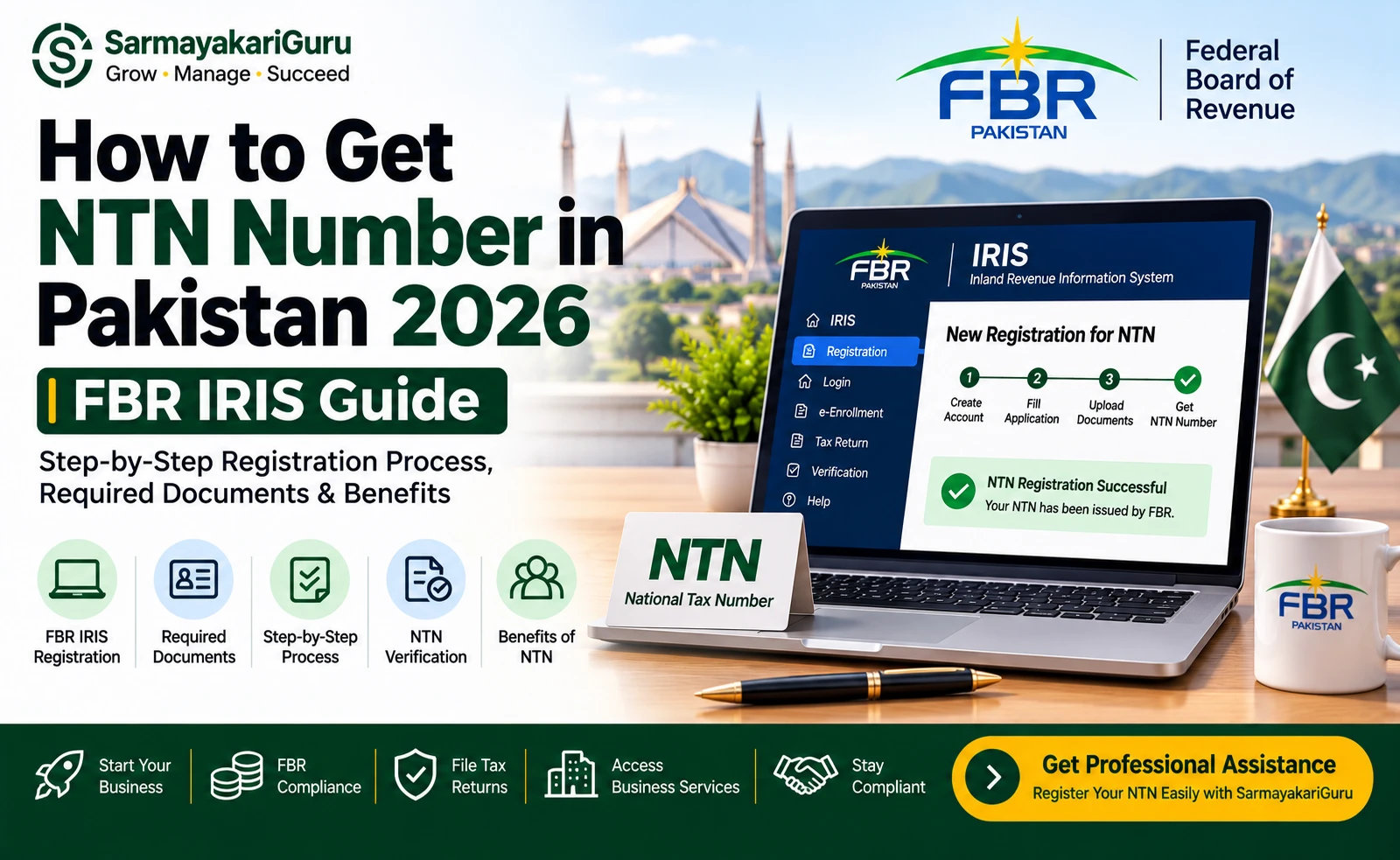

If you want to file an income tax return, become a filer, open certain business accounts, or register a company in Pakistan, the first thing you need is a National Tax Number (NTN). The good news is that getting an NTN number in Pakistan in 2026 is free and, for most individuals, takes less than 20 minutes on the FBR IRIS portal.
This guide explains how to get an NTN number in Pakistan step by step — for salaried individuals, freelancers, sole proprietors, AOPs (partnerships) and companies — what documents you need, the common errors that block registration, and what to do once your NTN is issued.
What Is an NTN Number?
NTN stands for National Tax Number. It is the unique identification number the Federal Board of Revenue (FBR) uses to identify every taxpayer in Pakistan. Once you have an NTN, you can log in to IRIS, file your annual income tax return, submit your wealth statement and appear on the Active Taxpayers List after filing.
For individuals, the NTN is simply your 13-digit CNIC number. When you complete registration on IRIS, FBR links your tax profile to your CNIC — no separate number is issued. Associations of Persons (AOPs) and companies receive a separate 7-digit NTN.
Who Needs an NTN in Pakistan?
You should get an NTN if any of the following applies to you:
- Your annual salary or income is above the taxable threshold (Rs. 600,000)
- You run a business, shop or professional practice — even a small one
- You are a freelancer receiving foreign payments
- You earn rental income from property
- You own property or a vehicle above the thresholds that require filing a return
- You want to become a filer to pay lower withholding tax on banking, property and vehicle transactions
- You are forming an AOP or registering a private limited company
Even if your income is below the taxable limit, registering and filing a return can still save you money, because filers pay significantly lower withholding tax than non-filers. Try our filer vs non-filer tax calculator to see the difference on your own transactions. Our guide to the FBR Active Taxpayer List explains how filer status works and how much it can save you.
Documents Required for NTN Registration
For an individual (salaried, freelancer or sole proprietor), keep these ready before you start:
- Valid, non-expired CNIC
- A mobile number registered in your own name (on your CNIC)
- An active personal email address
- Employer name and address (if salaried)
- Business name, nature of business and business address (if self-employed)
- Proof of business premises such as a utility bill or rent agreement (for business registration)
- Your bank account details
For an AOP or company, you will additionally need the partnership deed (and Registrar of Firms certificate, if the firm is registered) for an AOP, or the SECP certificate of incorporation, Memorandum and Articles of Association for a company — along with the CNICs of all partners or directors.
How to Get an NTN Number in Pakistan — Step by Step (Individuals)
The process below applies to salaried individuals, freelancers and sole proprietors. The IRIS interface is updated from time to time, so labels may differ slightly, but the flow remains the same.
Step 1 — Open the IRIS Portal
Go to iris.fbr.gov.pk. Always type the address yourself and check you are on the official FBR domain — never register through links received on WhatsApp or SMS.
Step 2 — Click “Registration for Unregistered Person”
On the IRIS login page, choose the option for unregistered persons. This opens the e-enrollment form for new taxpayers.
Step 3 — Enter Your CNIC and Contact Details
Enter your 13-digit CNIC without dashes, your name exactly as it appears on your CNIC, your mobile number and email address. The mobile number must be registered in your own name — a number registered to a family member is the most common reason registration fails.
Step 4 — Verify the Codes
FBR sends verification codes to your mobile number and email. Enter both codes on the form to confirm your identity.
Step 5 — Add Income and Address Details
Select your source of income. If you are salaried, enter your employer’s details. If you run a business or work as a freelancer, add your business name, nature of business and business address. Complete your residential address as well.
Step 6 — Submit and Receive Your Password
Submit the form. Once accepted, FBR sends your IRIS password and PIN by SMS and email. Your CNIC is now your NTN.
Step 7 — Log In and Download Your NTN Certificate
Log in to IRIS using your CNIC as the user ID and the password you received. Go to the Registration section and download your NTN certificate as a PDF. Keep a copy — banks, employers and clients may ask for it.
NTN for Sole Proprietors and Business Owners
A sole proprietorship is not a separate legal entity in Pakistan, so the business uses the owner’s personal NTN (the owner’s CNIC). During or after registration, you add your business name, its address and the nature of business to your IRIS profile. If you later need sales tax registration (STRN), that is a separate process that starts from the same IRIS profile.
Business owners usually benefit from proper monthly records from day one. Our bookkeeping services for small business guide explains what records FBR expects you to maintain.
NTN for an AOP (Partnership)
An Association of Persons — such as a partnership firm — receives its own 7-digit NTN. Before registering the AOP, the principal officer (usually the managing partner) and ideally all partners should already be registered individually on IRIS.
The principal officer then registers the AOP through their own IRIS account, adding the firm’s name, business address, partners’ CNICs and their profit-sharing ratios, and uploading the partnership deed. Partnerships are registered with the provincial Registrar of Firms, not with SECP — registration with the Registrar is recommended but the AOP can still obtain an NTN with a valid partnership deed.
NTN for a Private Limited Company
A company must first be incorporated with the Securities and Exchange Commission of Pakistan (SECP). In many cases, the NTN is now issued alongside incorporation through SECP’s integrated process. If your company does not yet have an NTN, the principal officer or a director registers the company on IRIS using the SECP incorporation certificate, Memorandum and Articles of Association, directors’ CNICs and the registered office address. The company then receives a 7-digit NTN.
Common Problems During NTN Registration
Mobile number not registered in your name. FBR verifies the mobile number against your CNIC. If the SIM is registered to someone else, the verification code will not work. Get a SIM registered on your own CNIC first.
CNIC already registered. If IRIS says your CNIC is already registered, an account may have been created earlier — for example by an employer or bank. Use the “Forgot Password” option or contact FBR’s helpline to reset your credentials instead of trying to register again.
Name mismatch. Your name must match your CNIC exactly. Spelling differences can cause the form to be rejected.
Verification code not received. Wait a few minutes and request a new code. Check your email spam folder.
Expired CNIC. Renew your CNIC with NADRA before registering.
How Long Does It Take and Is There a Fee?
Registering directly on IRIS is free. For an individual with a correctly linked CNIC and mobile number, the process usually takes 15 to 20 minutes, and the NTN is active immediately. AOP and company registrations take longer because documents are reviewed, and FBR may ask for clarification.
What to Do After You Get Your NTN
Having an NTN does not make you a filer by itself. To appear on the Active Taxpayers List, you must file your income tax return. Once your NTN is active:
- File your annual return and wealth statement on IRIS — our step-by-step guide to the income tax return for salaried employees walks you through it
- Estimate your tax before filing with the free salary tax calculator or the business tax calculator
- Declare any rental income — see our guide on tax on rental income in Pakistan
- After filing, check your filer status on atl.fbr.gov.pk
Should You Register Yourself or Use a Tax Consultant?
For a salaried individual or freelancer with a correctly linked mobile number, self-registration on IRIS is simple and free. A consultant is worth considering if you are registering an AOP or company, if IRIS keeps rejecting your details, or if you want your NTN registration, first return and wealth statement handled together without mistakes.
SarmayakariGuru’s NTN registration and tax filing services cover individuals, AOPs and companies across Pakistan. If you are based in Lahore, you can also read our guide to choosing the best tax consultant in Lahore, or contact us for a free consultation.
Frequently Asked Questions
Is my CNIC my NTN number?
Yes. For individuals, FBR uses your 13-digit CNIC as your NTN once you complete registration on IRIS. AOPs and companies receive a separate 7-digit NTN.
Is NTN registration free in Pakistan?
Yes. Registering directly on the FBR IRIS portal is free. You only pay if you hire a consultant to do it for you.
How can I check my NTN number online?
Individuals can use their CNIC as their NTN. To confirm registration details, log in to IRIS and open the Registration section, or use the online verification option on the FBR website. To check filer status, use atl.fbr.gov.pk.
Does getting an NTN make me a filer?
No. An NTN only registers you with FBR. You become a filer — and appear on the Active Taxpayers List — after you file your income tax return.
Can I get an NTN without a business?
Yes. Salaried individuals, freelancers, property owners and even people with no current income can register on IRIS and receive an NTN.
Can overseas Pakistanis get an NTN?
Yes. Overseas Pakistanis can register online on IRIS with their CNIC or NICOP, provided they can receive verification codes on a mobile number and email linked to them.
This guide is for general information. FBR procedures and portal screens change from time to time — always confirm current requirements on fbr.gov.pk. SarmayakariGuru is a project of RS Group, providing accounting, ERP and tax services across Pakistan.